DoublEnder
Pick your mic. Hit record. Send the file.
Simple audio recording for podcast guests.
No installer needed. DoublEnder is a self-contained app — just double-click it wherever it is: your Desktop, Downloads folder, an external drive, or anywhere else you like.
How To Use It
- Open the downloaded
DoublEnder.dmgand drag the app out to your Desktop, Applications folder, or anywhere else you like. - Launch DoublEnder. The first time you record, macOS will ask for microphone access — click Allow.
- Click the mic icon to pick your input device. Speak normally and watch the level meter — aim for green, avoid red.
- Optional: tap the gear icon to set a custom filename, add notes, or switch the output format to WAV.
- Hit the big red button to start recording. Hit it again to stop.
- A macOS notification confirms the save and offers Reveal in Finder. The recording lives on your Desktop as
DoublEnder_<date>.m4a. Send that file to your host.
Screenshots
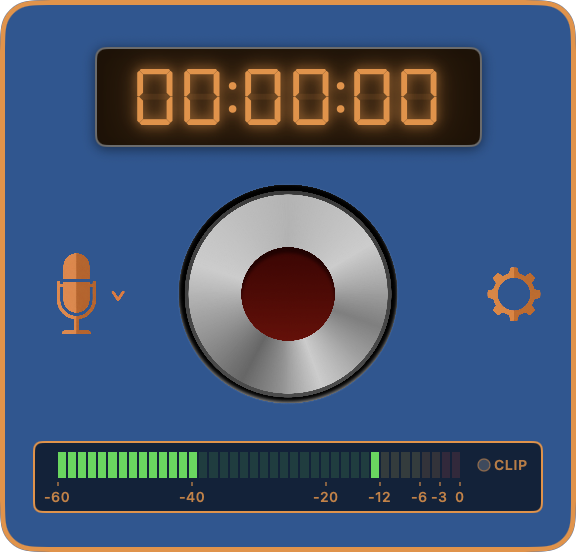 Ready to record
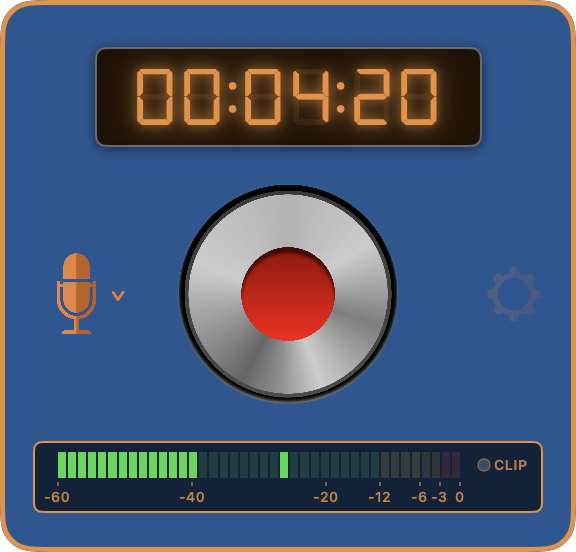 Recording in progress
macOS 14+
Sonoma & Sequoia
AAC / WAV
Output Formats
Mono
Single-track output
Free
MIT open source